Get Block Size of a Disk via Powershell

Get Block Size of a Disk via Powershell
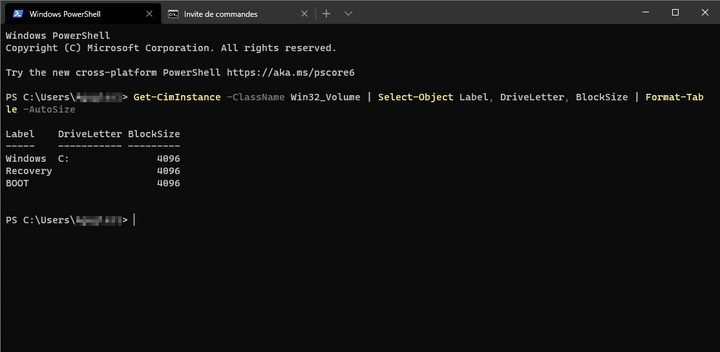
To retrieve the block size of a disk, simply use the Get-CimInstance cmdlet.
Get-CimInstance -ClassName Win32_Volume | Select-Object Label, DriveLetter, BlockSize | Format-Table -AutoSize
We can also use the Get-WmiObject cmdlet, though it is deprecated. This can be useful on older systems.
Get-WmiObject -Class Win32_Volume | Select-Object Label, DriveLetter, BlockSize | Format-Table -AutoSize
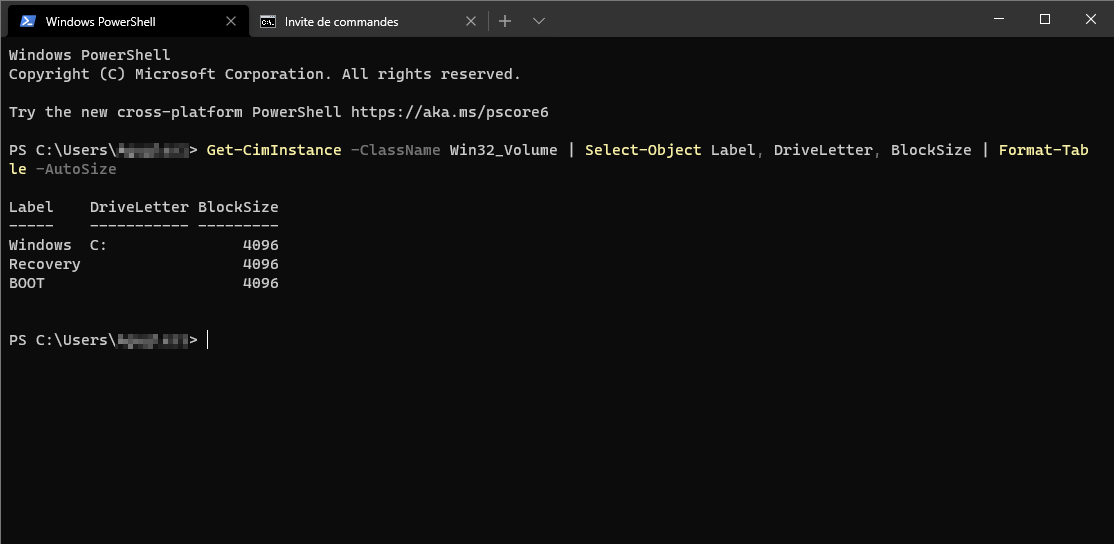
Here is an example of the output:

Authors
SysOps Engineer | IT Consultant | IT Teacher
Alexis is a SysOps Engineer and IT teacher at ETML in Lausanne. Rooted in systems and infrastructure, he combines automation and custom development with a growing interest in AI to solve practical problems. He offers IT consulting, custom solutions, and hosting.