IIS Switch from "Classic" to "Integrated" Mode for an Application Pool

IIS Switch from “Classic” to “Integrated” Mode for an Application Pool
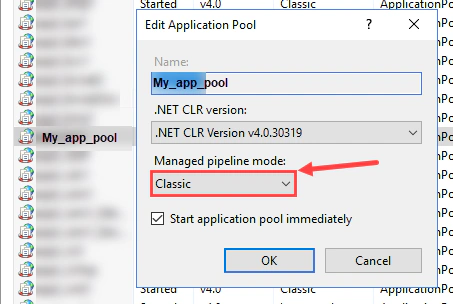
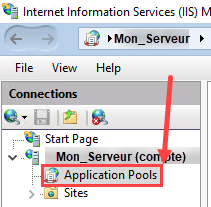
To change the mode of an application pool, open IIS Manager, then navigate to “Application Pools.”
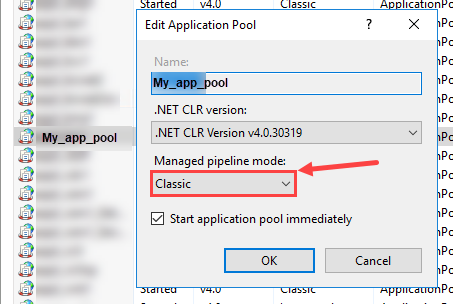
Double-click your “Application Pool” and switch the mode from “Classic” to “Integrated.”

Authors
SysOps Engineer | IT Consultant | IT Teacher
Alexis is a SysOps Engineer and IT teacher at ETML in Lausanne. Rooted in systems and infrastructure, he combines automation and custom development with a growing interest in AI to solve practical problems. He offers IT consulting, custom solutions, and hosting.