Convert a Windows Server from Evaluation to Retail Version

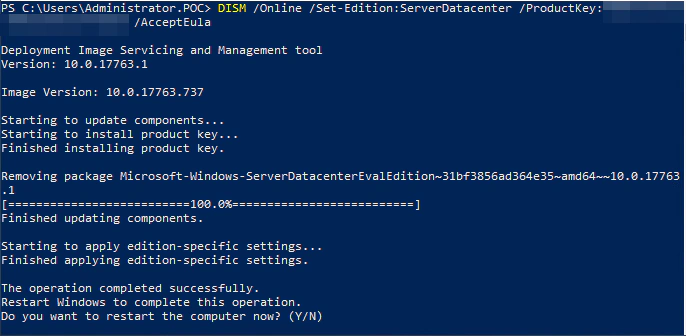
Convert a Windows Server from Evaluation to Retail Version
To convert a server from the evaluation version to the retail version, you need to execute a few PowerShell commands.
Follow the guide! 😎
Display Available Versions
DISM /online /Get-TargetEditions
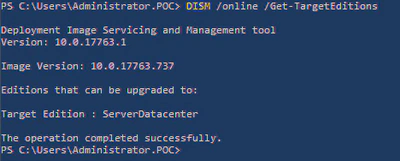
Upgrade the Version: ⚠ You need a valid license ⚠
DISM /Online /Set-Edition:ServerDatacenter /ProductKey:xxxxx-xxxxx-xxxxx-xxxxx-xxxxx /AcceptEula
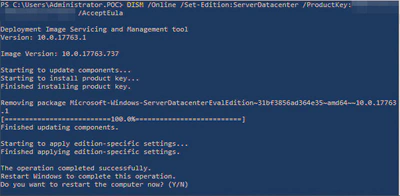
Type “Y,” and the server will reboot!
Congratulations, you have successfully converted from an evaluation edition to a retail edition!

Authors
SysOps Engineer | IT Consultant | IT Teacher
Alexis is a SysOps Engineer and IT teacher at ETML in Lausanne. Rooted in systems and infrastructure, he combines automation and custom development with a growing interest in AI to solve practical problems. He offers IT consulting, custom solutions, and hosting.