IIS Switch from "Classic" to "Integrated" Mode for an Application Pool
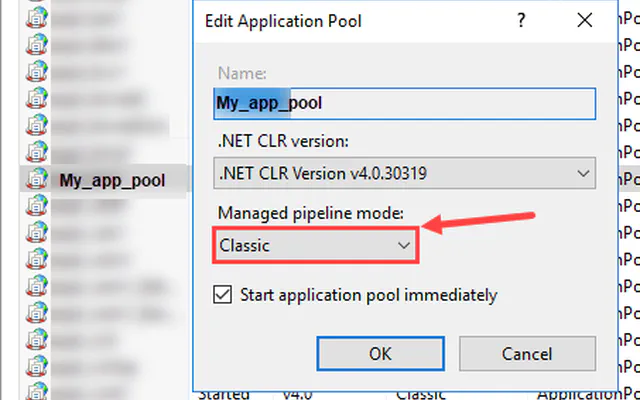
To change the mode of an application pool, open IIS Manager, then navigate to “Application Pools.”
To change the mode of an application pool, open IIS Manager, then navigate to “Application Pools.”